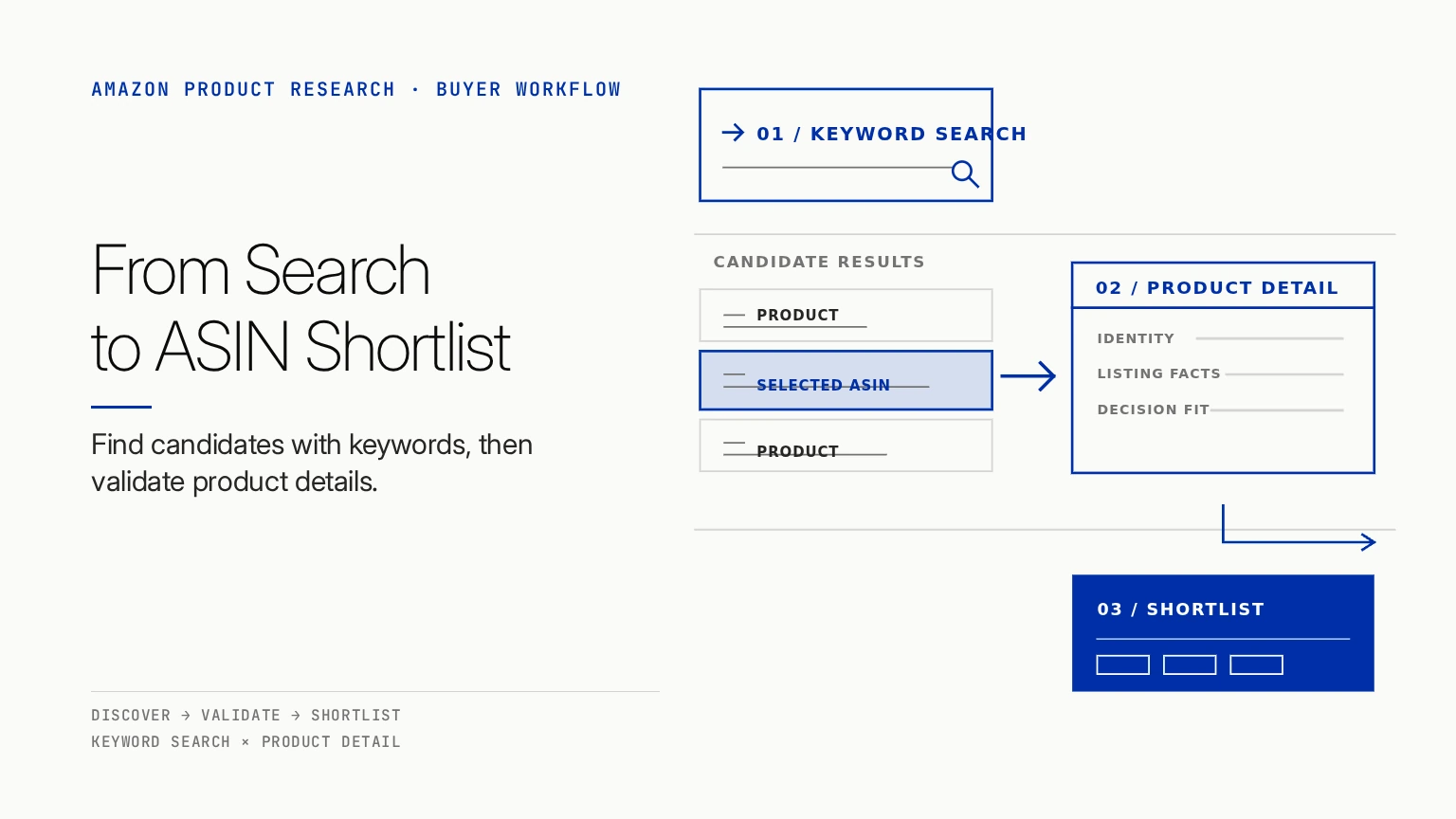
A promising Amazon keyword can return more products than a team can evaluate one by one. A useful workflow is to treat search results as a discovery pass, decide which ASINs merit a closer look, and fetch product details only for that shortlist. The goal is not to have an API declare a winner; it is to spend research effort on candidates that meet criteria you chose in advance.
1. Define the question before the query
Start with a buyer question such as: “Which products in this niche should we inspect before deciding whether to test the category?” Choose the Amazon marketplace first, then write down the filters that would make a result worth a second look: perhaps a price band, a visible organic position, or a rating and review-count range. Those are screening rules, not proof of demand or profitability.
Keep the search context consistent. The Keyword Search API documentation describes parserName=amzKeyword, a target marketplace (site) and keyword (content) when no target URL is supplied, and JSON as the structured response format. It documents 13 marketplaces. For PC searches, bizContext.zipcode can be supplied or omitted; if omitted, the service selects from that marketplace’s ZIP pool, and the response reports the effective ZIP in data.zipcode. A mobile request is limited to Amazon US and uses ZIP 10041. Save the marketplace, device choice and effective ZIP with the snapshot so later comparisons do not silently mix contexts.
2. Use keyword results to discover candidates
The documented result fields include ASIN, title, price, rating information, sales, organic rank, a sponsored indicator and sponsored rank. Put those fields into a small screening table and apply your own filters. Keep organic and sponsored placements distinct: an ad position is not an organic rank, and either is only a position observed in that result set.
Do not turn a single search response into a market conclusion. Search placement can change; a returned sales field or rating count is a signal to inspect, not a complete demand model. If the result is missing a field you need, mark it missing rather than filling it from a guess. The response-validation guide has more on preserving missing fields and checking records before using them downstream.
3. Spend detail requests on the shortlist
Once the candidate rules are applied, take the selected ASINs to Product Detail. Its documented request accepts an ASIN as content with the matching site when you are not supplying a product URL. The schema includes product-page fields such as price, stars and rating count, seller, stock, delivery, variants and features. The exact data available depends on the target page and marketplace; inspect the returned record rather than assuming every field is present.
This second pass answers a different question from search: does this specific product page contain enough information for the next decision? Check the selected variant, seller and delivery context where relevant, and note any absent or ambiguous values. Do not infer that two similar titles are the same offer, or that a temporarily displayed price is a durable price.
4. Estimate the request budget transparently
At the documentation’s listed rate of 1 credit per JSON request, one keyword search plus four Product Detail requests is a five-request example, or 5 credits at that rate. This is hypothetical arithmetic, not a measured run or a promise about a response. Count the requests your actual workflow makes, and reconcile usage against the account’s recorded usage. The credit-planning guide covers refresh cadence and monthly workload estimates.
5. Preserve the snapshot, not just the conclusion
For each run, store the keyword, marketplace, effective ZIP when returned, request time, selected ASINs, the criteria used and any missing fields. Refresh only when a new observation could change the decision—for example, before a sourcing review—not simply because another request is possible. A sequence of dated snapshots can support a comparison; one snapshot cannot establish a trend.
The practical sequence is simple: discover broadly, screen with explicit rules, inspect a smaller set by ASIN, then make the commercial decision using evidence beyond a search position. The Amazon Scraper API page describes the available parsers and current offer; verify live terms and your own returned fields before building a production budget.